Connected campus
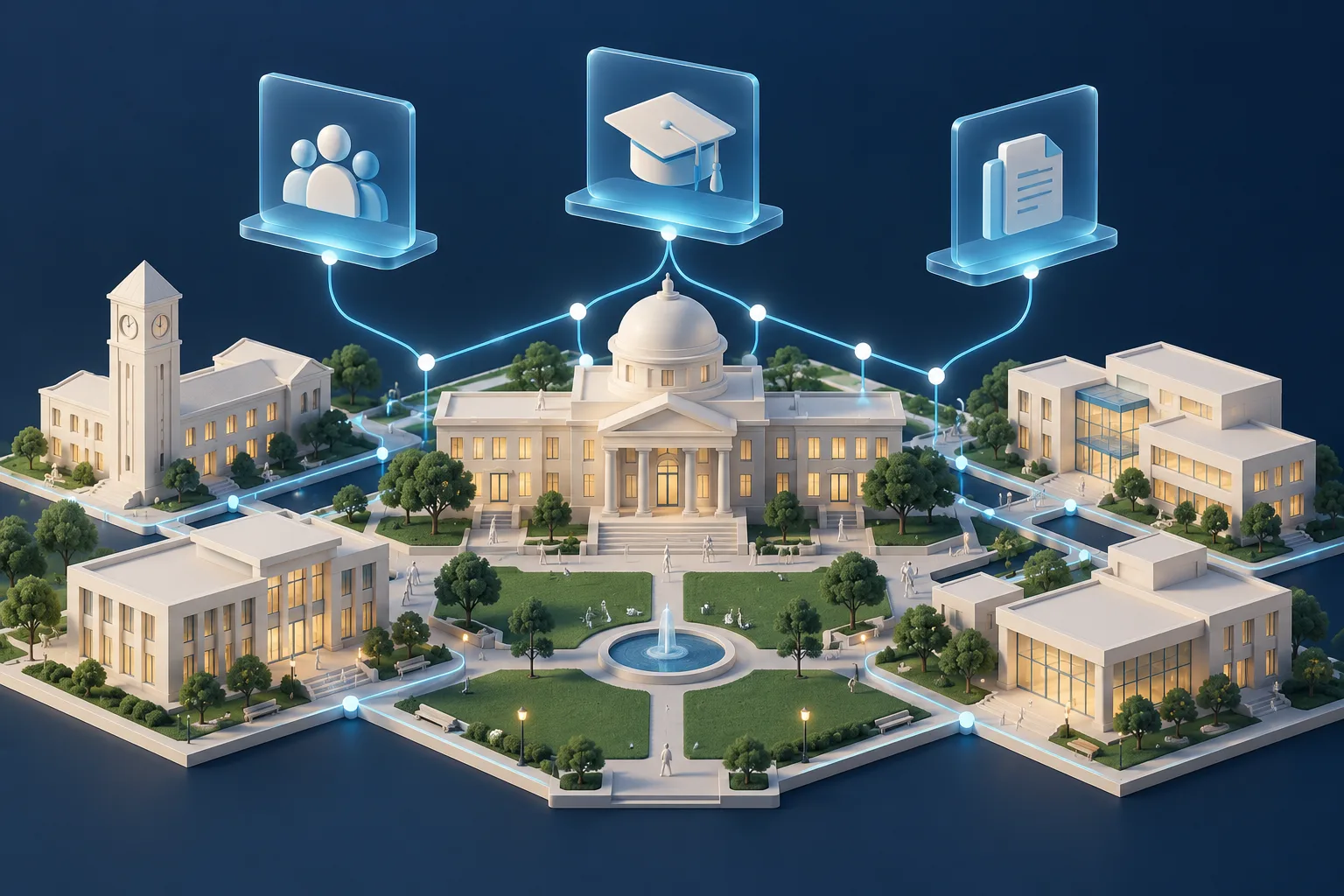
Bring your systems into the same conversation.
Use Slate as the starting point for student onboarding and internal forms for staff and faculty, then connect the directories and campus resources that carry the process forward.
01 / Connected campus
Slate data, in both directions.
Read records from Slate with Query Service steps, or start a workflow from a webhook or CSV upload. Write mapped results back with Source Format steps.
- Query Service steps retrieve the records your Slate query exposes.
- A webhook trigger or a CSV upload can also bring records into a workflow.
- Source Format writeback sends mapped values to the configured Slate destination.
- File download and upload steps move Slate documents over HTTPS, with no SFTP server to maintain.
02 / Connected campus
Connect the directories you already use.
Provision and manage accounts across local and cloud directories. Each workflow step selects its target connection.
- On-premises Active Directory through the agent.
- Microsoft Entra ID through Microsoft Graph.
- Google Workspace through its configured Google connection.
- Coordinate multiple platforms while respecting their different actions and permission models.
03 / Connected campus
Bring your SIS records along.
SIS and SQL Server steps use agent-side connection profiles. Validate the supported operations and mappings against your institution’s configuration.
- Ellucian Banner and Colleague through Ellucian Ethos, including finding a person by Banner or Colleague ID and updating mapped fields.
- Oracle PeopleSoft Campus Solutions and Workday Student.
- SQL Server table operations through configured profiles.
- Local file reads and writes, plus Slate file transfers.
04 / Connected campus
A little preparation goes a long way.
Integration setup depends on the endpoints, permissions and data your systems expose. Bring the owners of those systems into your first workflow review.
- A representative Slate query and a stable student identifier.
- For staff and faculty, a form or import layout with a stable employee identifier.
- Directory permissions for the actions you intend to automate.
- SIS or database access and the fields you want to read or write.
- Messaging-provider configuration for email, SMS or chat steps.
Your next step
Let's map your first workflow.
Bring your systems, questions and requirements. We'll work through the handoffs together.